Dues, boards and homeowners, kept in order.
Switch your account to associations and TenantLoop speaks HOA: associations, homeowner accounts, dues and a Resident Center. Board members get the reports they ask for, and every request has a record.
14 days free on any plan. Card up front, cancel in one click.
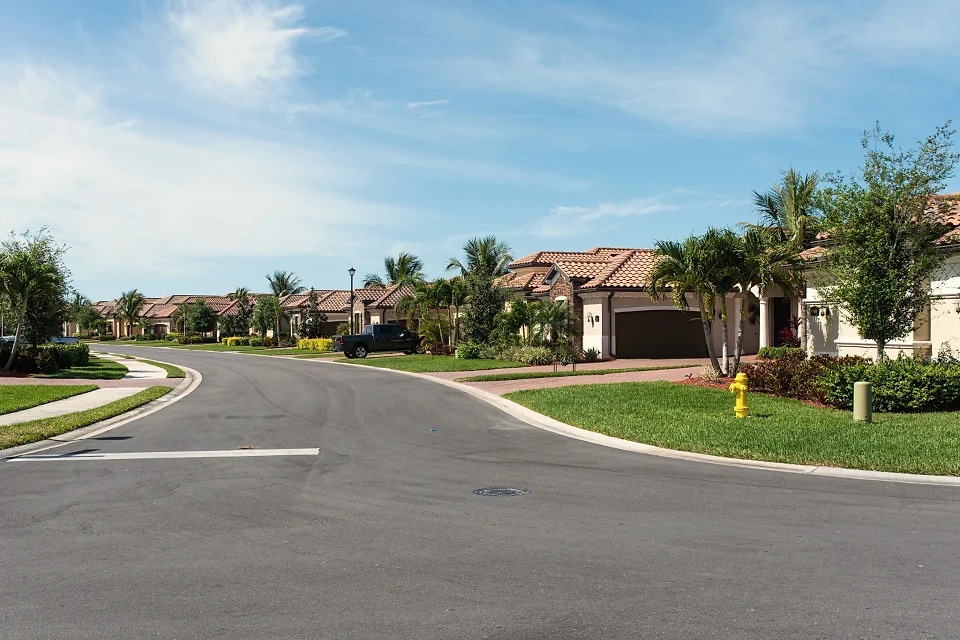
Dues, assessments and late fees

Board members with positions and terms
A Resident Center for homeowners

What changes for associations. The same tools, in the words your board uses.
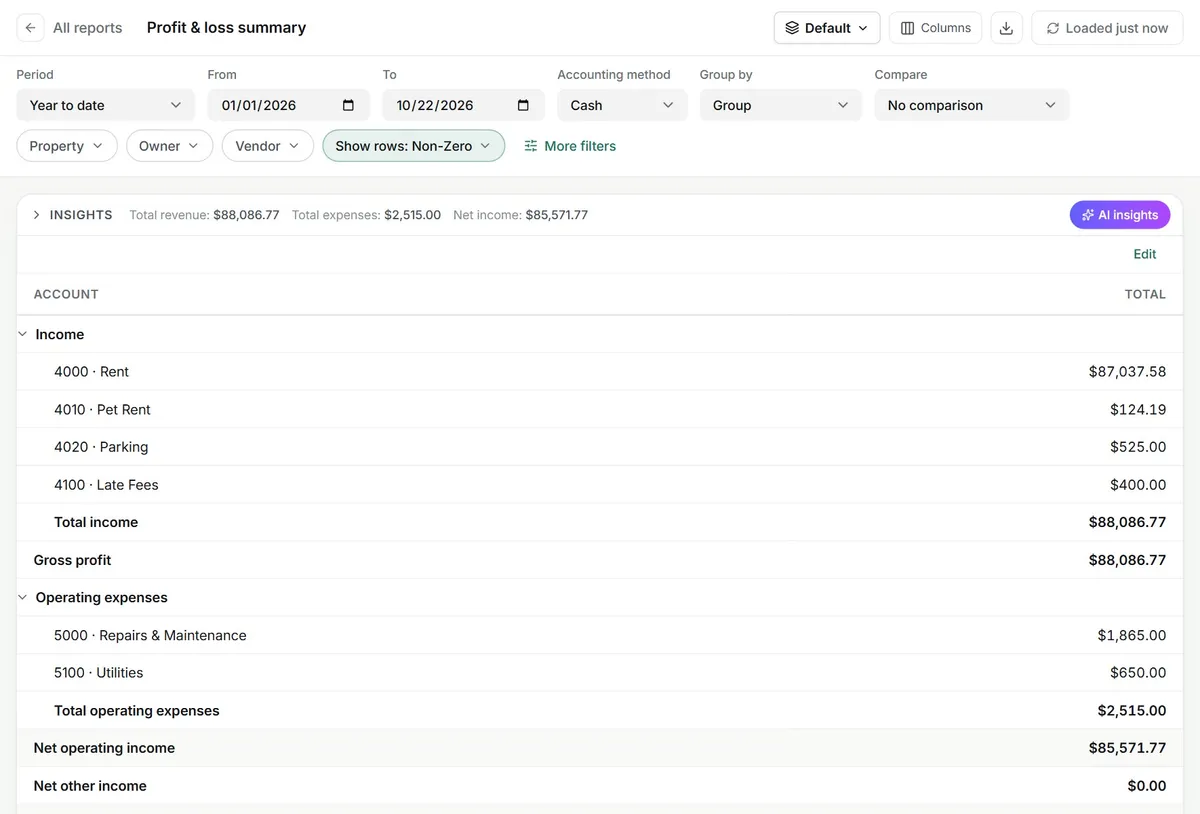
The board sees the numbers
Add board members to an association with their position and term. They sign in to the Resident Center and see the association's reports, such as the profit and loss, cash flow and balances, without a login to your staff side.
- Board members with positions and terms
- Association reports in the Resident Center
- Reserve funds tracked per association
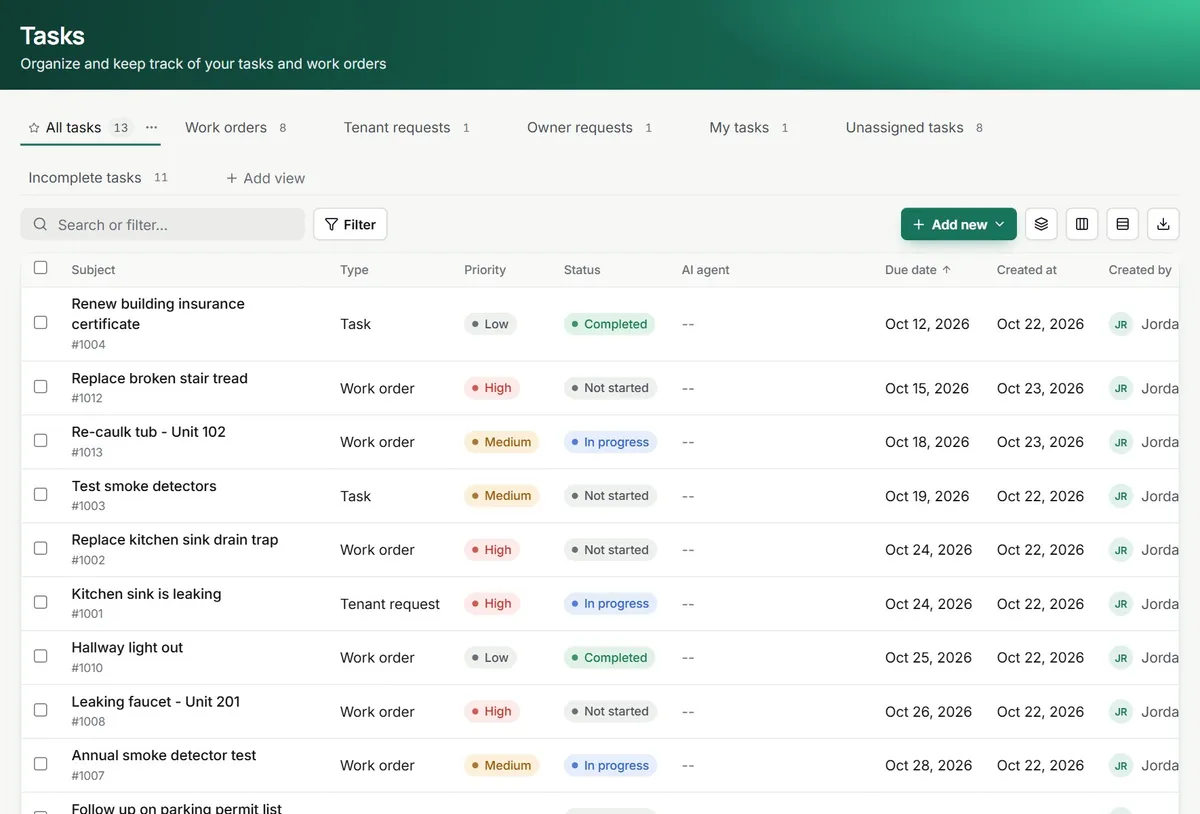
Requests, architectural ones too
Homeowners send requests from the Resident Center with photos, and architectural requests have their own category. Each one becomes a task with an owner, a status and a history.
- Architectural request category
- Photos and notes on every request
- Status the homeowner can follow
Notices to every homeowner
Pool closing for the season or an annual meeting? Send one announcement to an association by email and in the Resident Center, with the agenda attached.
- Send to one association or several
- Email and Resident Center delivery
- Bulk invites to the Resident Center
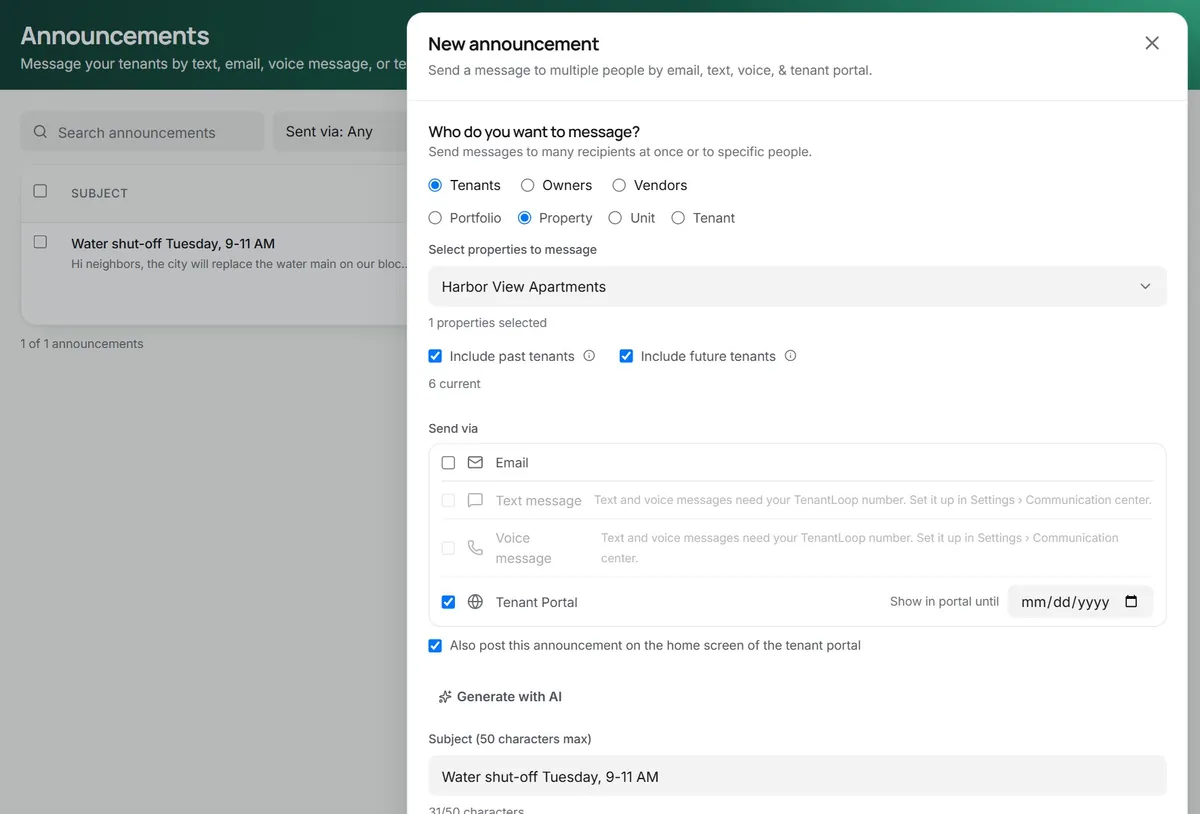
agenda attached
The week before the annual meeting.
Handled from one account.
An example week with demo data. Every card is a real screen or step in TenantLoop.
- MonAnnouncement sentAnnual meeting, Thursday 7 pmEmailed to 64 homeowners with the agenda.
- TueResident Center, Lot 18Architectural request: new fence along the back yard.
- WedDues received$325.00Quarterly dues, Lot 42Paid by bankPosted to the homeowner account.
- ThuReserve fund balance$48,210.00Shared with the board before the meeting.
Where to look next. Picked for HOAs and condos.
- AccountingDues, assessments and reserves
- ReportsBoard-ready financials
- Communication toolsAnnouncements to homeowners
- Resident portalThe Resident Center
- Work ordersCommon-area repairs
- Company websiteA site for the association
Other portfolios: Residential, Single-family, Multifamily, Commercial, Affordable housing, Student housing, Self storage, Mobile home communities.
Before you move your units over.
Does TenantLoop use HOA wording?
Yes. Choose "Associations" as your business type and the app relabels itself: properties become associations, leases become homeowner accounts, rent becomes dues and the tenant portal becomes the Resident Center. Leasing tools that associations do not use are hidden.
What can board members see?
Board members sign in to the Resident Center and see the reports you share for their association, such as profit and loss, cash flow, balances and receivables aging.
Can we track violations?
There is no separate violations module yet. Teams log a violation as a task on the homeowner, send the notice by email and post a fine as a charge on the homeowner account. A dedicated violation flow is on our list.
Can I run rentals and associations together?
Each account has one business type. If you manage both, run the associations in an associations account and the rentals in a rentals account; your team can switch between them after signing in.
Can I bring my current records over?
Yes. Properties, units, tenants, leases and opening balances import from spreadsheets, and the trial balance step brings your books across. Self-serve onboarding is free; guided onboarding with a specialist is $149 once, if you want a hand.
Give the board numbers they can trust.
14 days free, card up front, cancel in one click.