Whatever you rent out, run it from here.
Nine kinds of portfolio, one login and one set of books. Each page below shows what changes for that kind of property, and where the app has no special workflow yet, it says so.
14 days free on any plan. Card up front, cancel in one click.
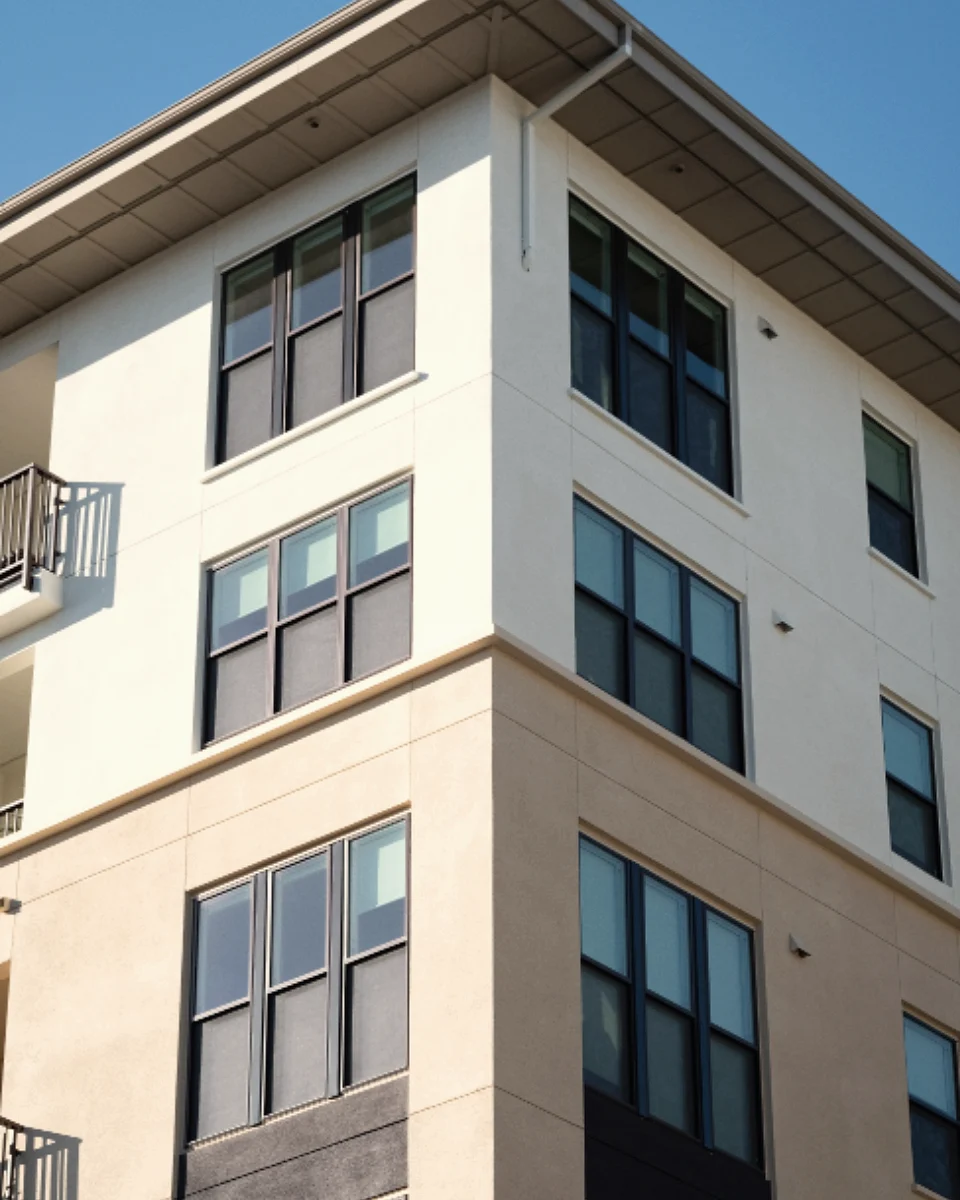
Residential and commercial in one account
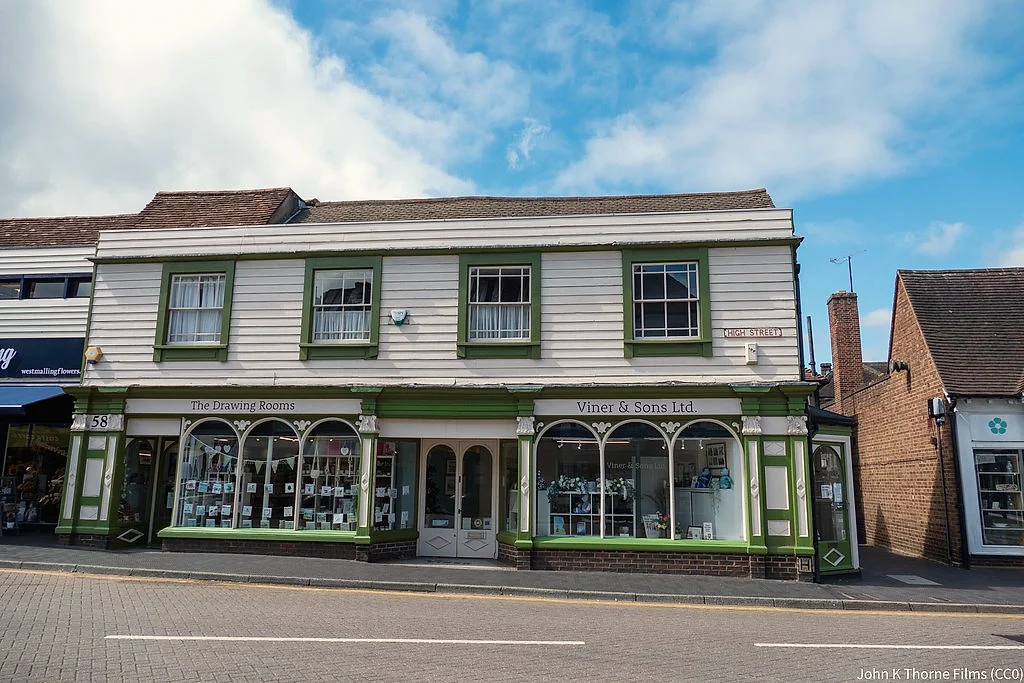
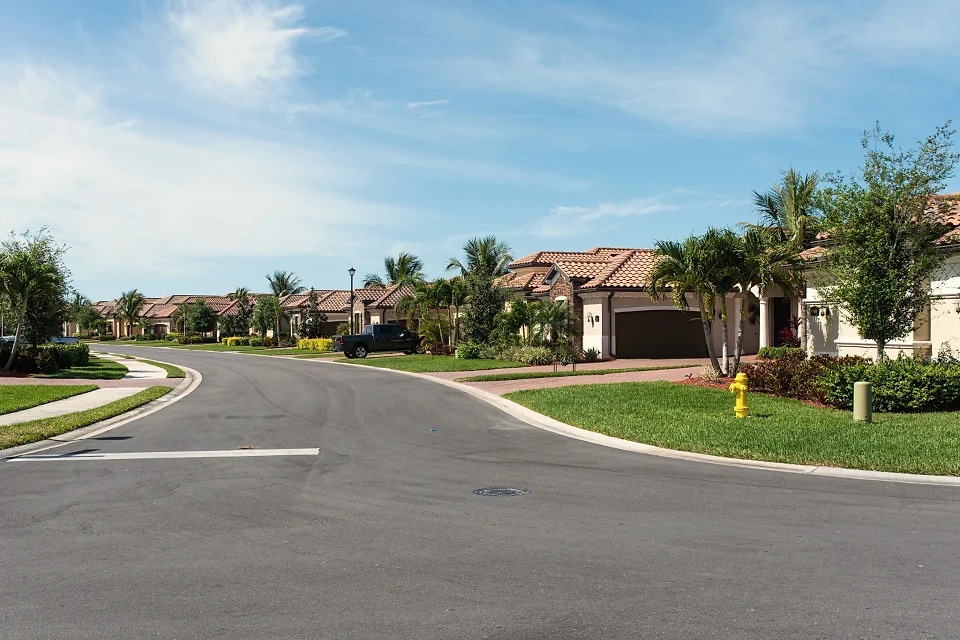
One set of books for every property
Priced per unit, any type
Pick your portfolio. Each one, in its own words.
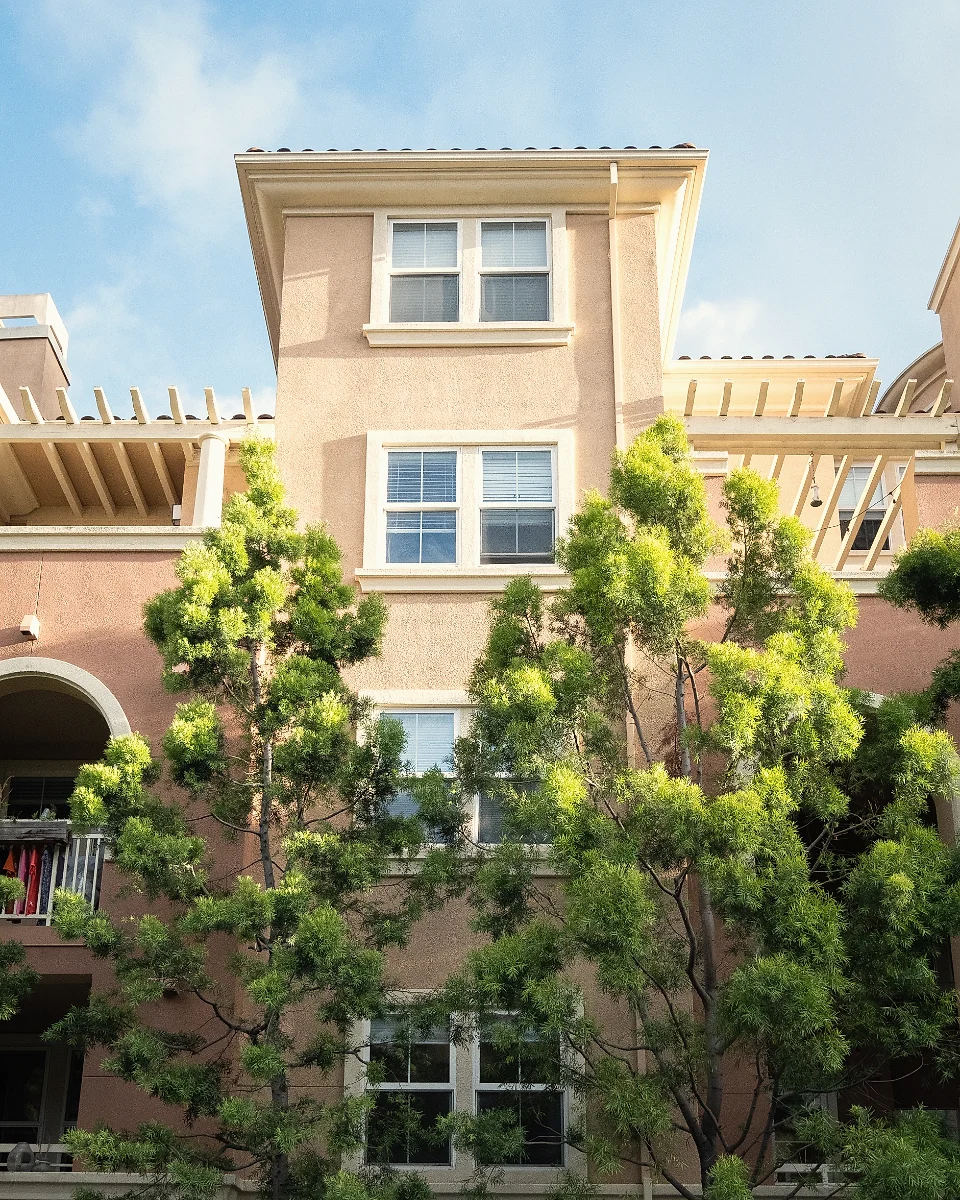
Residential
Apartments, condos, townhomes and houses in any mix.

Single-family
Scattered homes, their owners and their tenants.
Multifamily
Buildings, rent rolls and leasing pipelines.
Commercial
Office, retail and industrial, with CAM.
Community associations
Dues, the Resident Center and the board.
 What works today
Affordable housing
Tenant and HAP payments, Section 8 reports.
 What works today
Student housing
Group applications and shared leases.
 What works today
Self storage
Storage units on recurring charges.
 What works today
Mobile home communities
Lots as units, lot rent on schedule.
Will it fit how you work?
The usual checks.
My portfolio is a mix. Do I need more than one account?
No. Houses, apartment buildings, commercial suites and storage can sit in one account with one set of books. The one exception is associations: HOA wording comes from an associations account, so teams that run both keep two accounts and switch between them.
Which portfolio types have their own tools?
Commercial has multi-unit leases, CAM charges and sales tax (the CAM reconciliation report included). Associations get HOA wording, board members and the Resident Center. Affordable housing has Section 8 and HAP reports on every plan. Student housing has linked household applications. The rest run on the shared rentals tools, and their pages say exactly what works today.
Can I add a different property type later?
Yes. Each property has its own type, so you can add a commercial building or a storage facility to a residential account at any time.
Is the price different by portfolio type?
No. Every plan is priced per unit each month with a monthly minimum, whatever the property type. See pricing.
See your own portfolio in it.
14 days free, card up front, cancel in one click.