Owners stop asking how the month went.
Run each owner’s statement, send it by email and let owners check their numbers, files and requests in their own portal whenever they want.
14 days free on any plan. Card up front, cancel in one click.
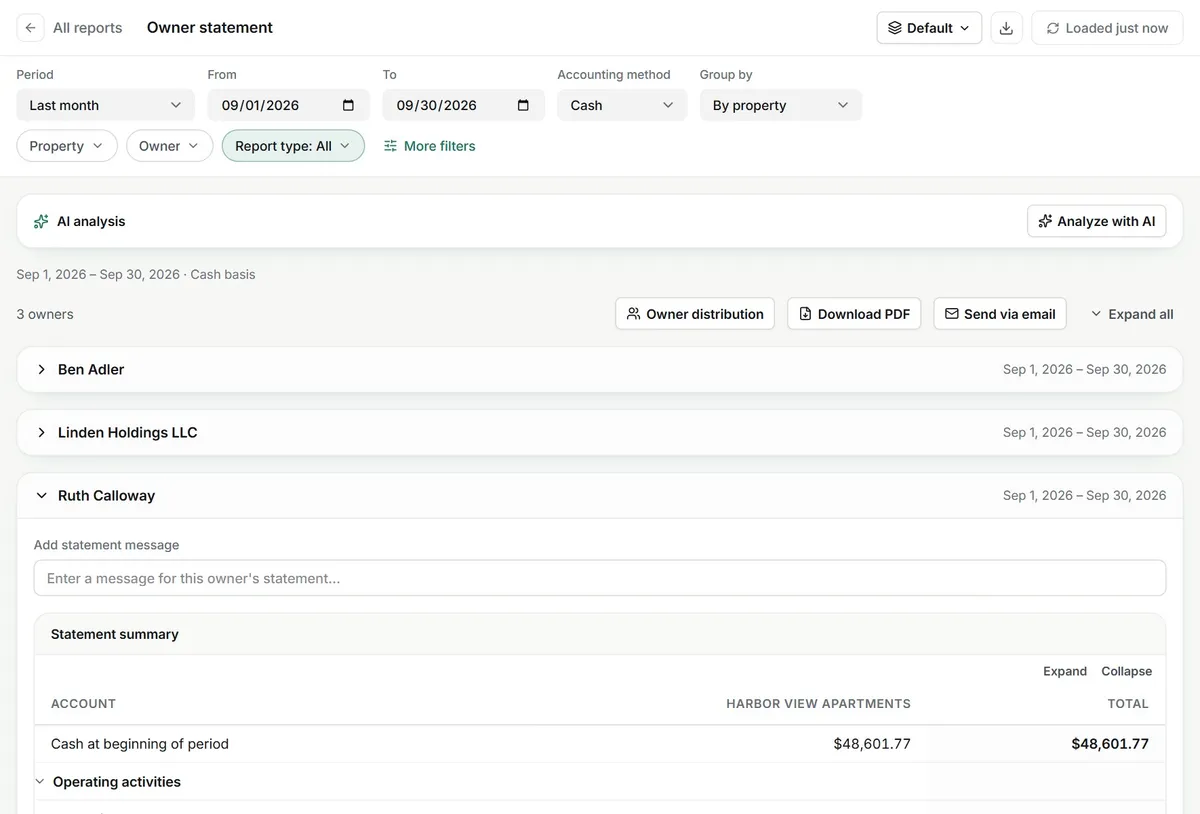
A window, not a phone line. What owners see when they sign in.
The month at a glance
The owner’s home screen shows profit and loss for the month and vacancies by property, each with a link to the full report when you have shared it.
- Income, expenses and net income
- Vacant and occupied units per property
- Transactions with contributions and distributions
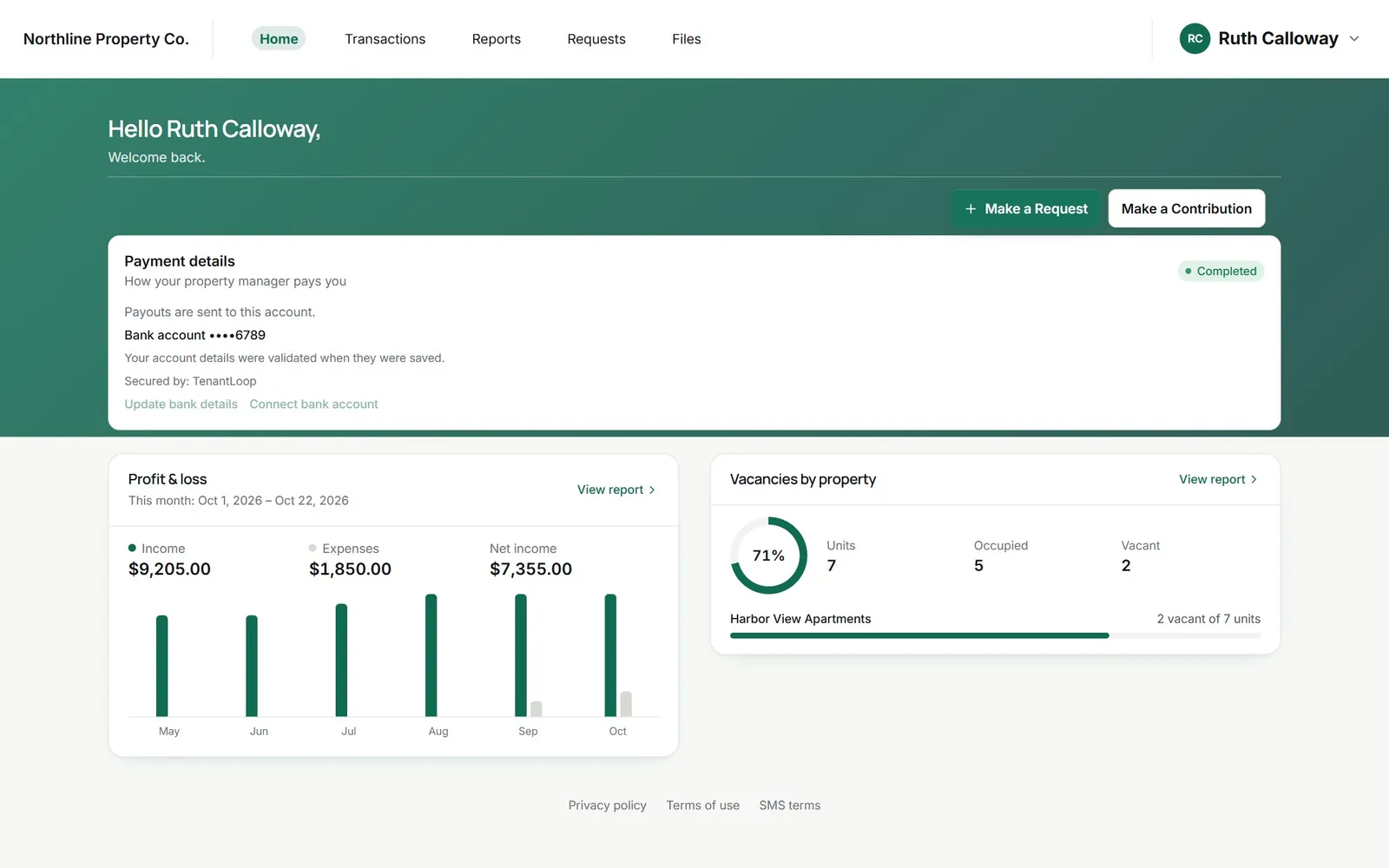
net income, this month so far
Requests that do not need a phone call
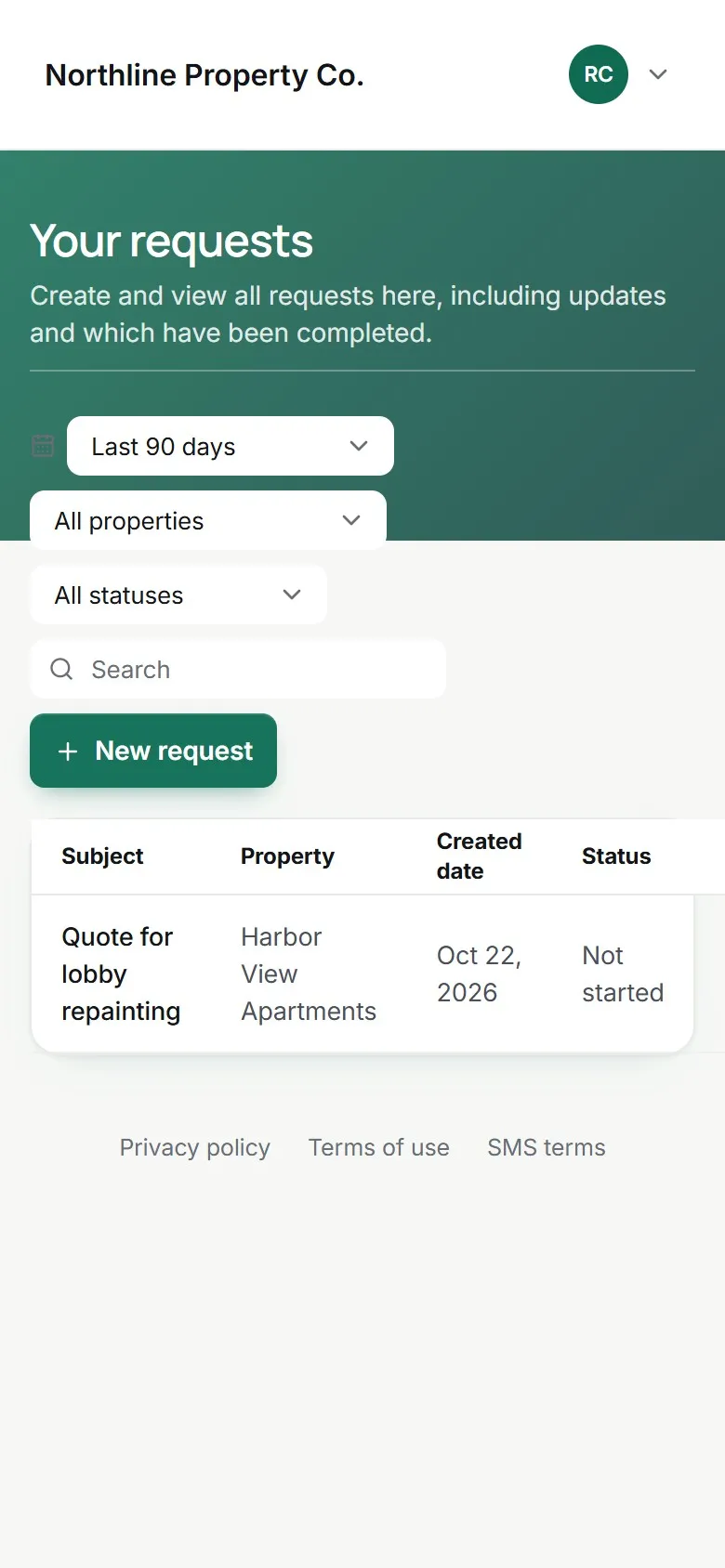
An owner can ask for a quote, a repair or a document from the portal on any phone. Your team sees it in the Owner requests list and can turn it into a work order.
- Filters by date, property and status
- Status updates the owner can check
- Instructions you write for owners
Reports you choose to share
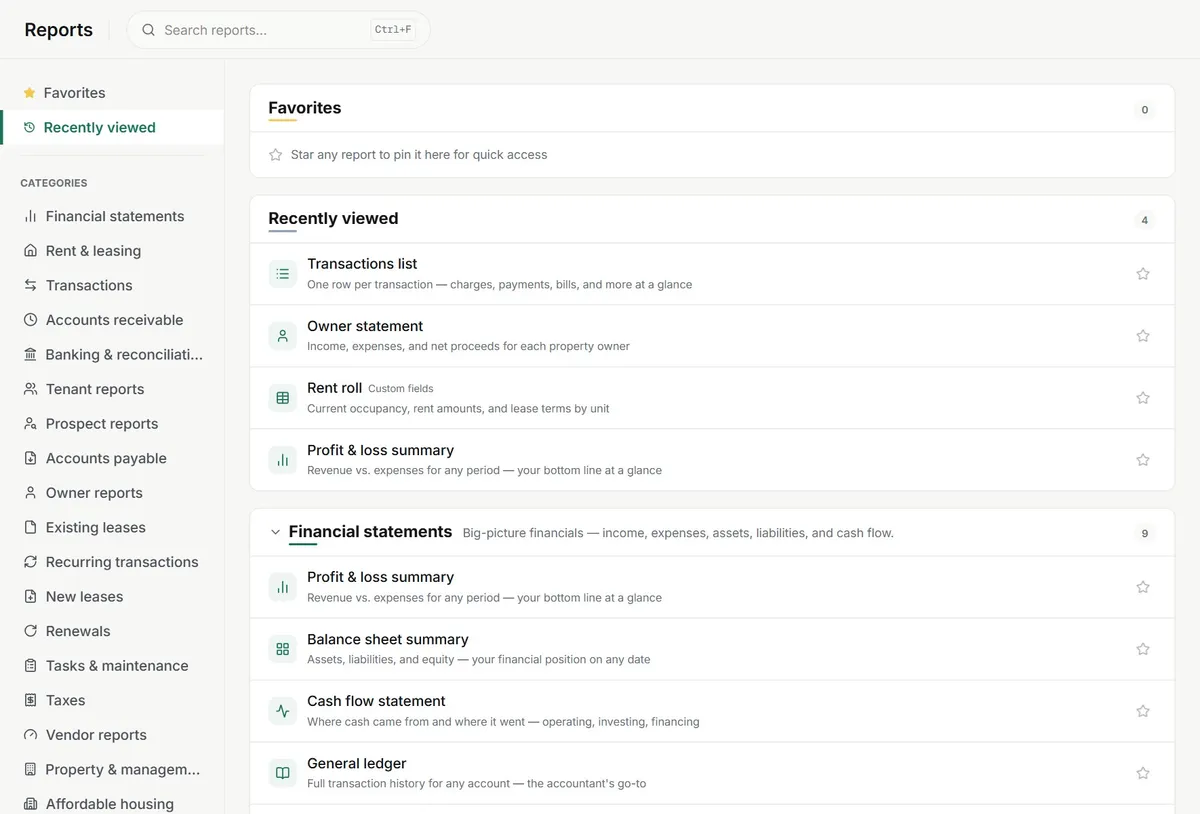
Owner statement, profit and loss, rent roll and more come from the same books your team closes. Switch each report on or off for the portal and owners open them when they like.
- Owner statement by email or PDF
- Per-report access for the portal
- Files shared with one owner at a time
No more (crossed out: month-end spreadsheets) emailed to every owner.
the statement comes from the books you already keep
On day one.
What owners get from the first invite.
- Owner portal with your logo and colours
- Statements by email or PDF download
- Contributions by card or bank account
- Owner requests and shared files
Works with
See integrationsWhat owners and managers ask. Before the first invite.
Will an owner see other owners’ properties?
No. Each owner signs in to a portal that only holds the properties they own, and the reports in it are filtered to those properties. If a building has several owners, each sees their own statement.
Can I decide which reports owners get?
Yes. In the owner portal settings you switch each report on or off, so owners might see their statement, profit and loss and rent roll but not your general ledger. You can also turn whole tabs like Requests or Files off.
How do owner statements go out?
Run the owner statement for the period, add a message for each owner if you like, then send it by email or download the PDF. Owners can also open their reports in the portal at any time.
Do owners get paid through TenantLoop?
You record owner distributions from the owner statement, so the books and the owner’s view stay in step. The money itself leaves your bank the way it does today. Sending payouts to owners from TenantLoop is not switched on yet.
Can an owner put money in when the account runs short?
Yes. Owners can make a contribution from the portal by card or bank account. You choose whether a processing fee applies and set limits per transaction.
Is it safe to share leases and invoices with owners?
Files are shared one owner at a time, so a document is only in the portals you picked. Owners sign in with a code sent to their email, and can add a password.
Does the portal carry my branding?
Yes. Add your logo, a colour and a background image, plus your contact details, so owners see your company, not ours.
Which owner will you invite first?
14 days free, card up front, cancel in one click.