Houses, duplexes and apartments in one tidy login.
Any mix of residential rentals, one set of books. Rent posts to the ledger as it clears, every repair has a record, and each lease sits beside its own balance.
14 days free on any plan. Card up front, cancel in one click.
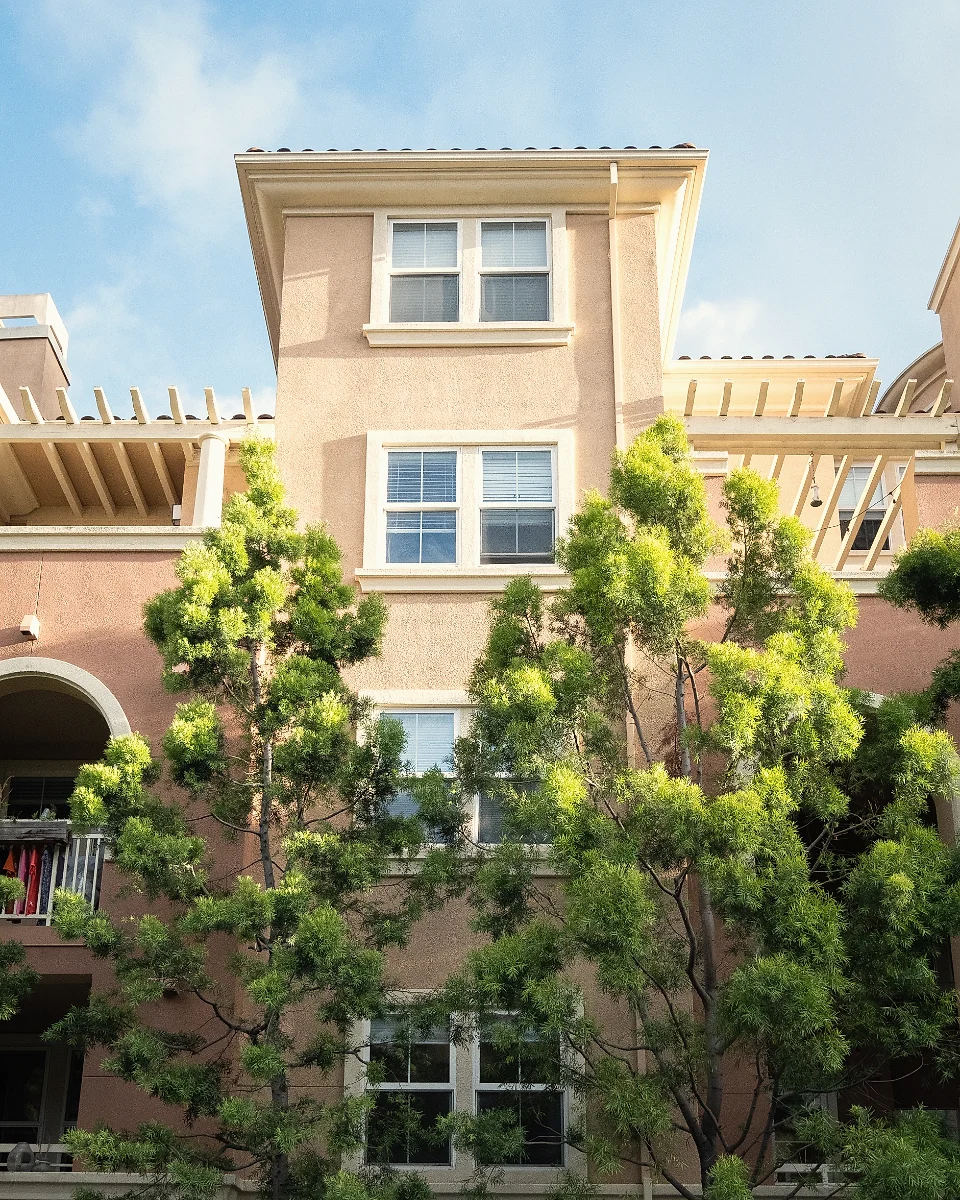
Single-family, multi-family, condo and townhome types
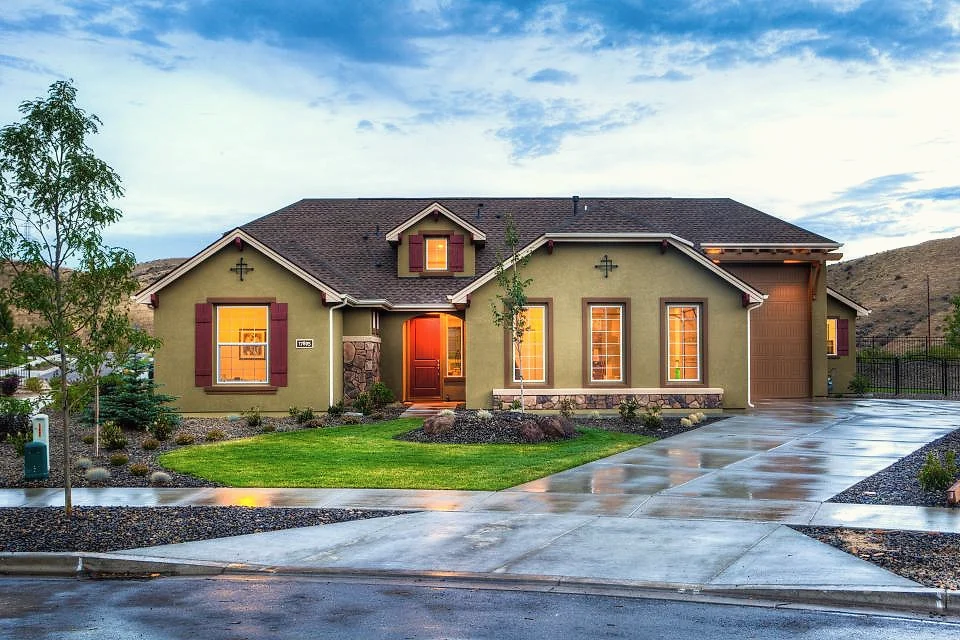
Rent posts to the ledger as it clears
A tenant portal for every lease
What changes for a residential portfolio. Less hunting, fewer loose ends.
Every door in one list
Houses, duplexes, condos and apartment buildings share one properties list with their type, units and status. Filter it, save the view you use every morning, or upload the whole portfolio from a spreadsheet.
- Residential types from single-family to multi-family
- Bulk upload from a spreadsheet
- Saved views and filters for each teammate
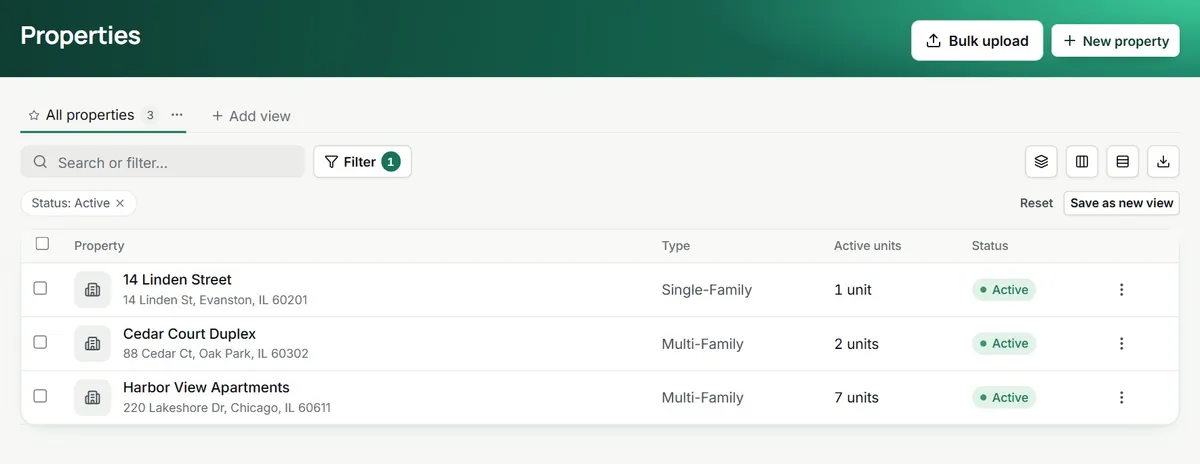
one list, any mix
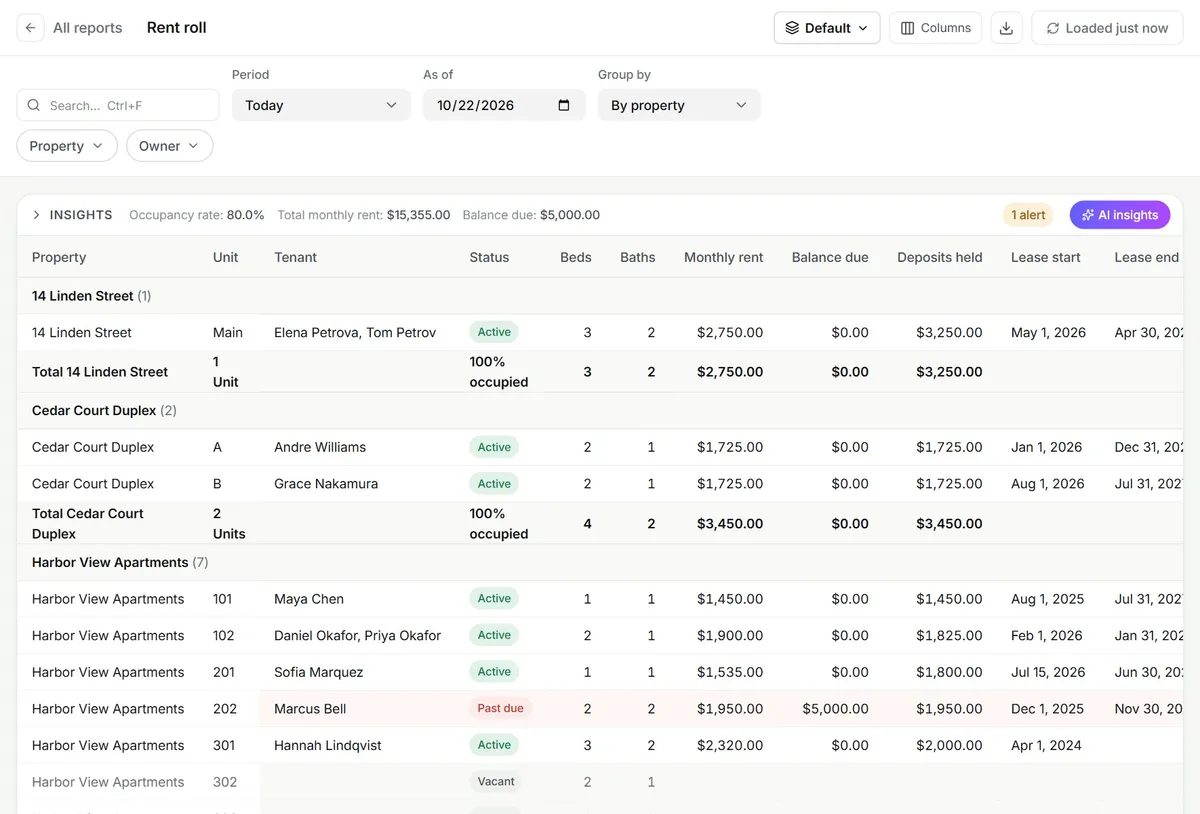
Rent that balances the books
Tenants pay by bank or card in their portal, through your own Stripe account. The payment lands on the lease ledger and the rent roll the moment it clears, and late balances show in red without anyone checking.
- Autopay and reminders on your schedule
- Late fees on the rules you set
- Bank feeds through Plaid for reconciliation
Repairs with a paper trail
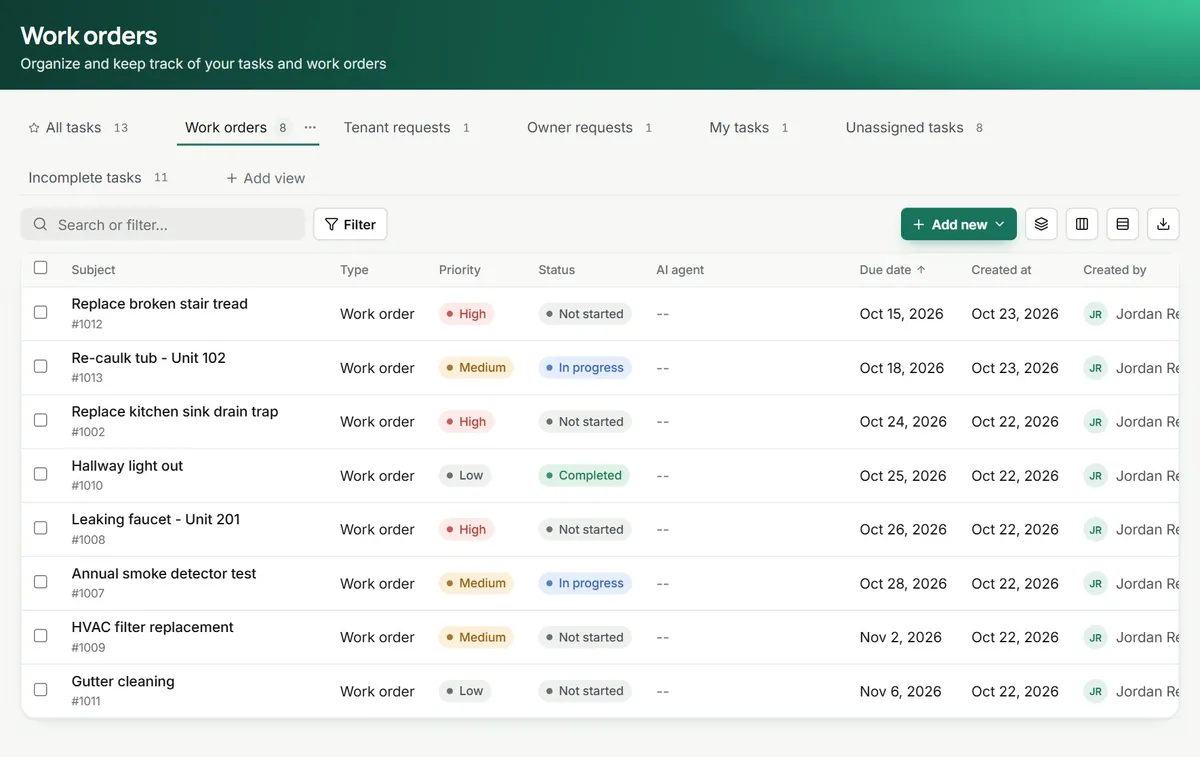
A tenant sends a request with photos from the portal. It becomes a work order with a priority, a vendor and a status, and the vendor bill posts to the right property when the job is done.
- Requests with photos from the tenant portal
- Vendors, priorities and due dates
- Bills tied to the work order
A Monday across twelve doors.
Four things, no spreadsheet.
An example day. Each card is a real screen or step in TenantLoop; the names and amounts are demo data.
- 7:45 amAutopay received$1,450.00Rent, Harbor View 101Paid by bankPosted to the lease ledger.
- 9:20 amPortal message, 14 Linden StThe back door lock sticks when it rains.
- 9:22 amWork order #1014Adjust back door lockPriority normal. Locksmith assigned for Wednesday.
- 4:10 pmLease agreementCedar Court, Unit B, 12 monthsSigned online with Dropbox Sign
Where to look next. Picked for residential rentals.
- Rent collectionBank and card payments with autopay
- AccountingDouble-entry books built in
- LeasingListings, applications and leases
- Work ordersRequests, vendors and bills
- Tenant portalPay, request and message
- Owner portalStatements and distributions
- InspectionsMove-in and move-out with photos
- AI agentsRoutine jobs carried to done
Other portfolios: Single-family, Multifamily, Commercial, Community associations, Affordable housing, Student housing, Self storage, Mobile home communities.
Before you move your units over.
Can I run houses and apartment buildings in the same account?
Yes. Each property has a type (single-family, multi-family, condo, townhome or other) and its own units. Rent rolls, reports and owner statements work across all of them or one at a time.
How do tenants pay?
In the tenant portal, by bank transfer or card, once or on autopay. Money goes to your own Stripe account. ACH carries a $1.00 TenantLoop fee you can pass on; credit cards carry a 3% surcharge paid by the tenant where the state allows it.
Do I need an accountant to use the books?
No. Payments, charges and bills post to a chart of accounts as they happen, so the profit and loss and rent roll are ready when you open them. If your accountant prefers QuickBooks Online, TenantLoop syncs to it.
Can tenants text us through TenantLoop?
Not yet. Texting is coming soon. Today tenants reach you through portal messages and email, and both land on the tenant record with the rest of the history.
Can I bring my current records over?
Yes. Properties, units, tenants, leases and opening balances import from spreadsheets, and the trial balance step brings your books across. Self-serve onboarding is free; guided onboarding with a specialist is $149 once, if you want a hand.
Ready to see your rentals in one list?
14 days free, card up front, cancel in one click.