Your properties, in your pocket.
TenantLoop runs in the browser on any phone, and the tenant and owner portals are built for small screens. Your team, your tenants and your owners use the same account, live.
14 days free on any plan. Card up front, cancel in one click.
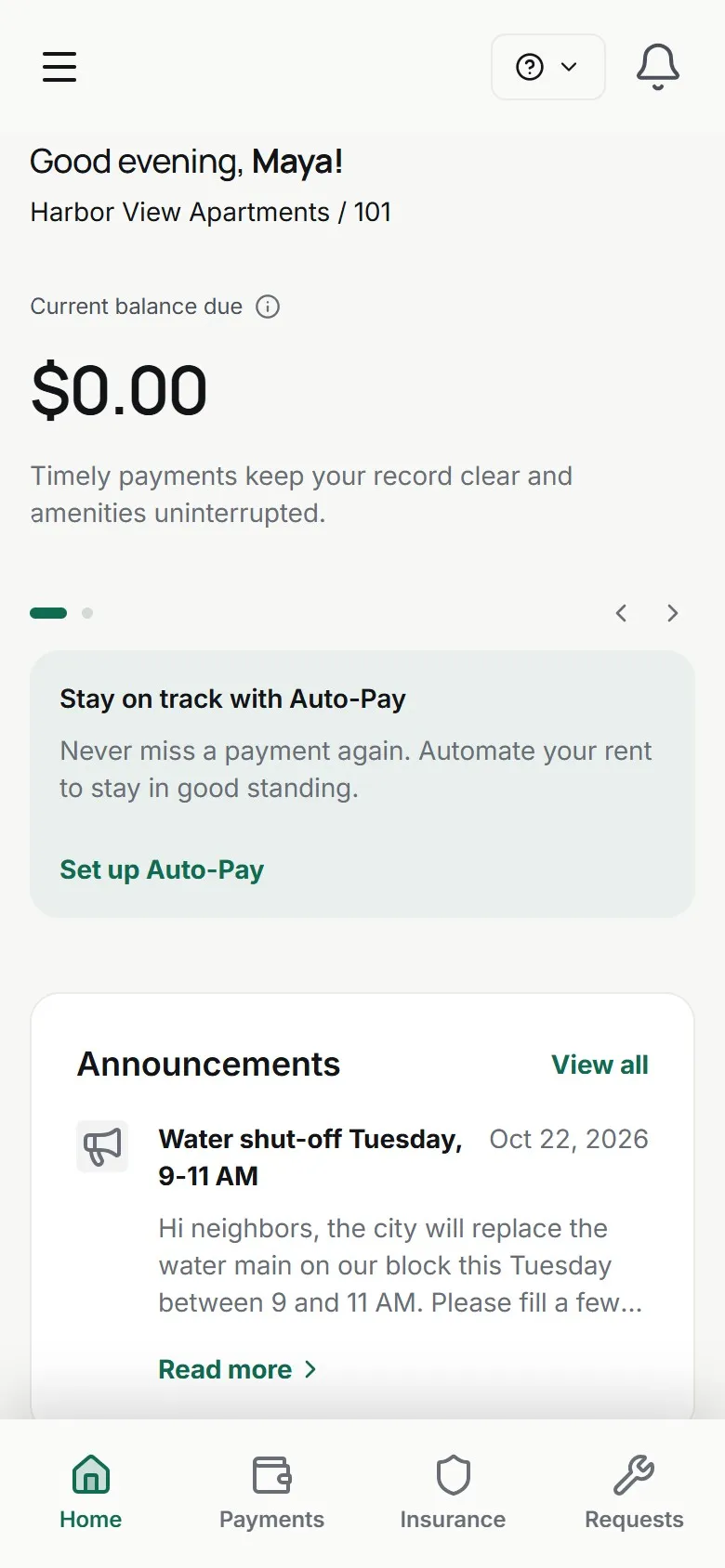
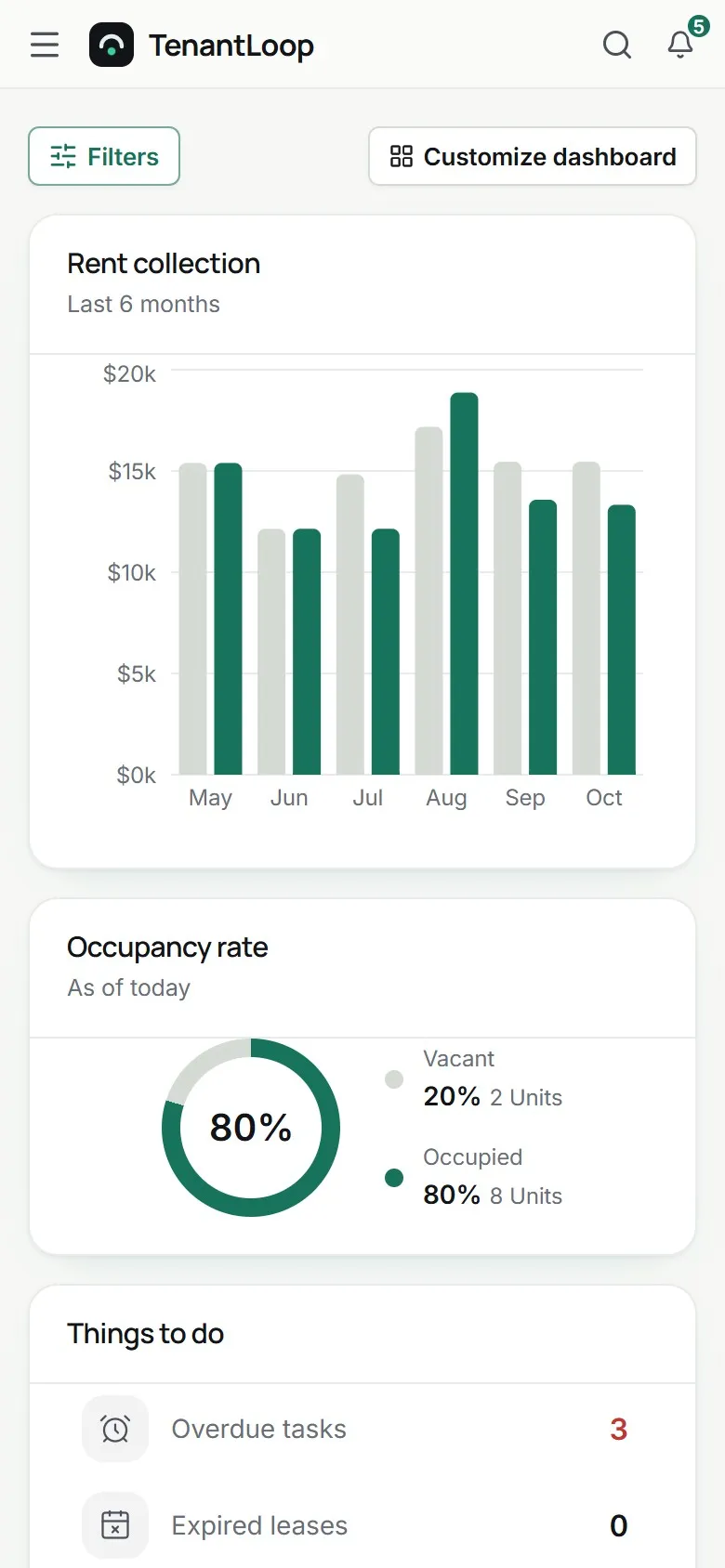
Wherever the work is. On site, on the road, on the couch.
Your whole team app in a browser
Sign in to TenantLoop on a phone and you get the same app, with a menu that folds away. Check what is due, update a work order and record a payment from the property.
- Every feature, no separate mobile edition
- Photos and files from the phone camera roll
- Your roles and property access still apply
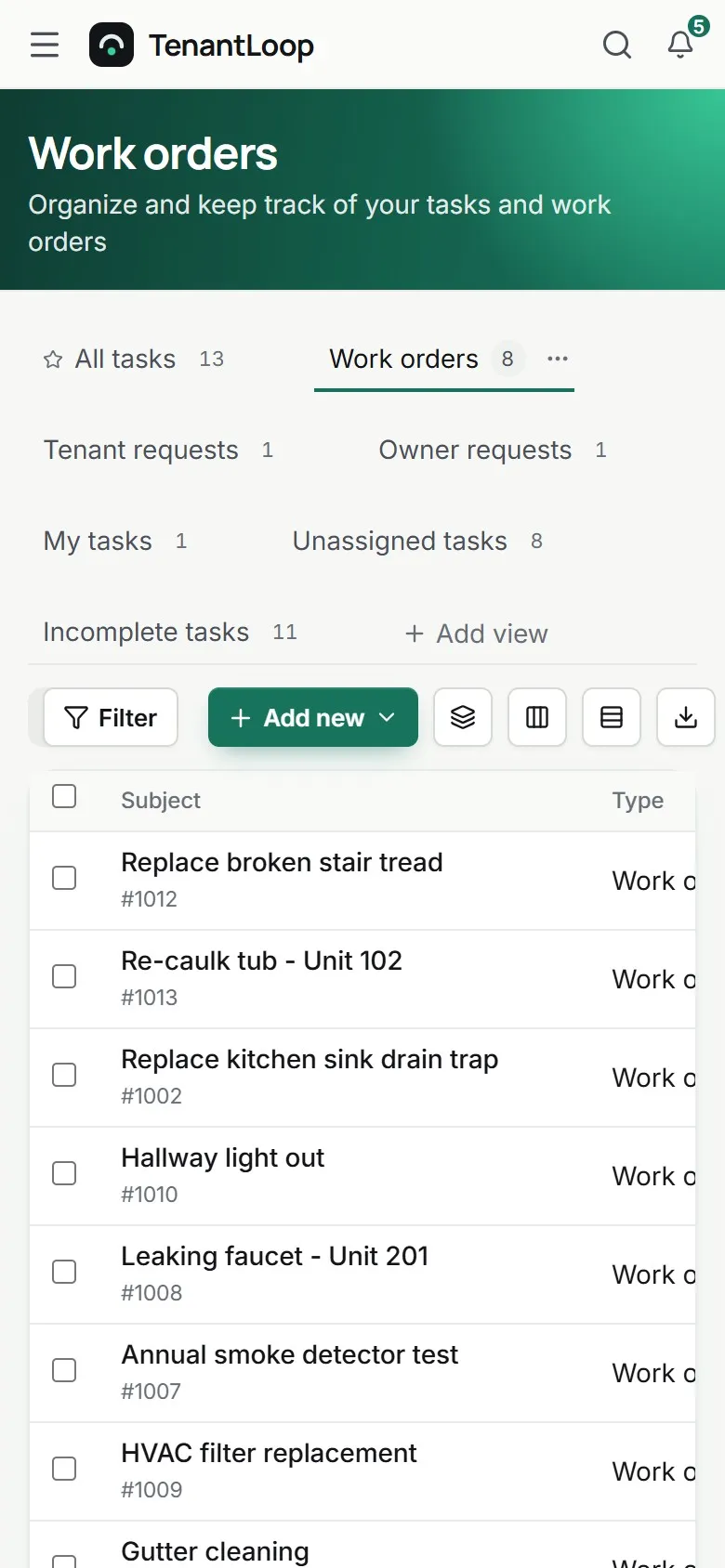
the menu folds into this button
Tenants pay from the bus stop
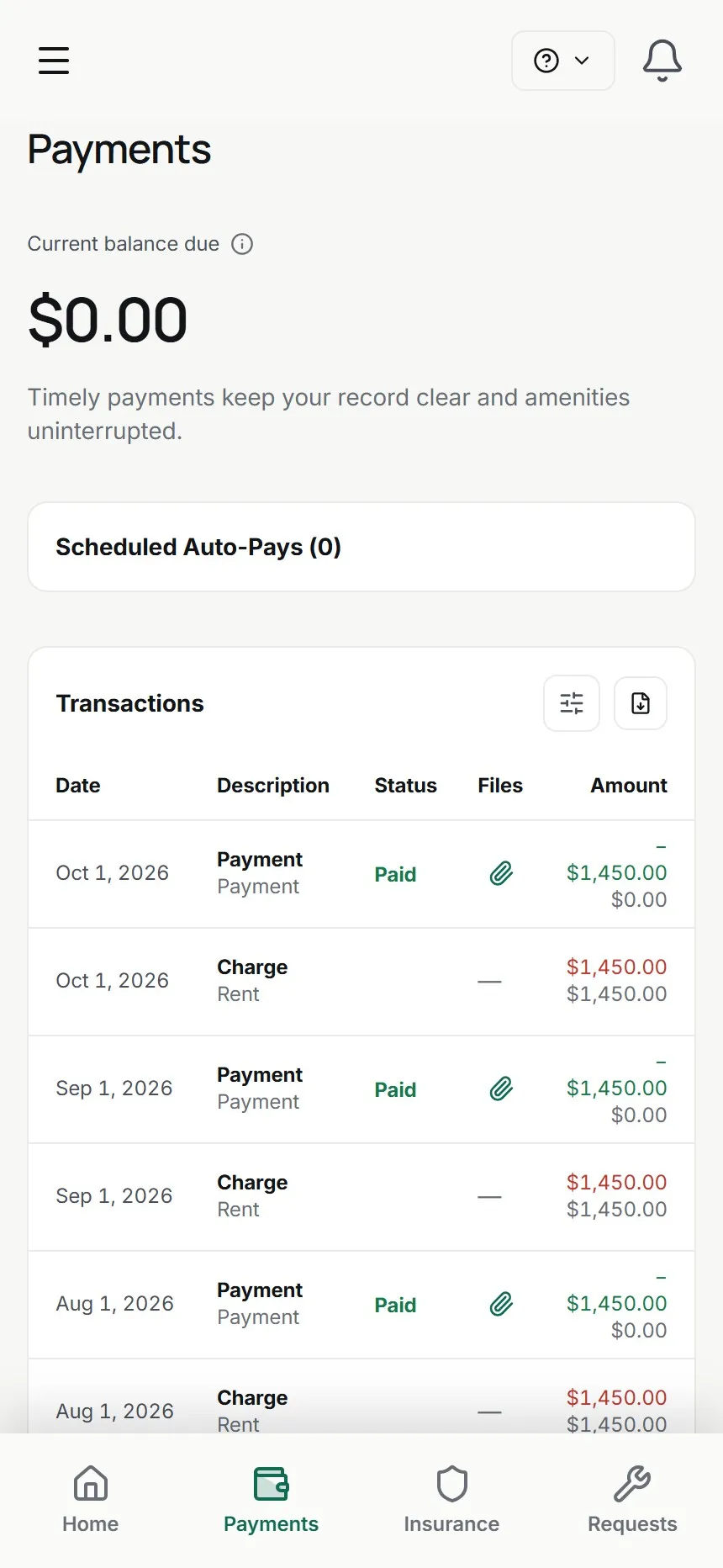
The tenant portal opens on the balance with a pay button, and Auto-Pay is two taps away. Requests with photos and announcements are in the same bottom menu.
- Pay by bank or card, Auto-Pay
- Repair requests with photos
- Announcements and lease details
Owners check in without calling
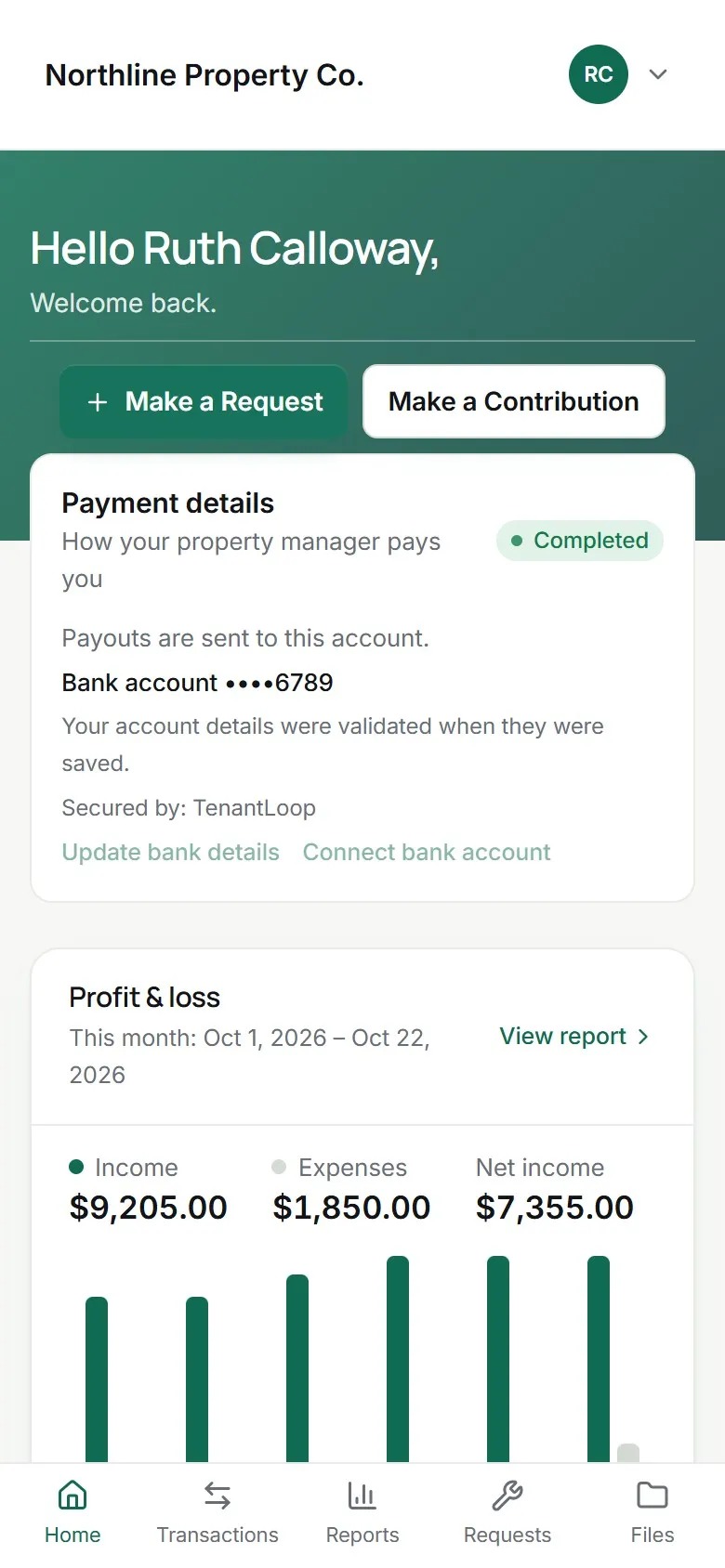
Owners open their portal on a phone to see profit and loss, vacancies, transactions and the reports you share, or to send you a request.
- Profit and loss for the month
- Requests, reports and files tabs
- Contributions by card or bank
No (crossed out: app to download) before the tenant can pay.
a link and a one-time code is all it takes
On day one.
On every phone, from the start.
- The full team app in any phone browser
- Tenant portal built for phones
- Owner portal built for phones
- Native store apps come later
Works with
See integrationsAbout using it on a phone. Including what is not here yet.
Is there an app in the App Store or Google Play?
Not yet. Native apps are coming later. Today TenantLoop runs in the browser on any phone, tablet or computer, and the tenant and owner portals are built for phones first. Nothing to download, nothing to update.
Does it cost extra to use on a phone?
No. It is the same account and the same plan on every device, for your team, your tenants and your owners.
Who on my team can use it from a phone?
Anyone you invite as a user. They sign in with their own login (two-factor sign-in available) and see only what their role and property access allow.
Will my phone and my computer show the same thing?
Yes. There is one account in the cloud, so a work order updated on a phone is updated for everyone the moment it is saved.
Can I take photos for an inspection or a work order on site?
Yes. Add photos and short videos from your phone to inspection items, tasks and work orders. Inspections keep working without a signal and sync when you are back online; tasks and work orders need a connection.
How do tenants and owners sign in on a phone?
With a one-time code sent to their email, from the invite or a QR code you share. Owners can add a password if they prefer.
Try it on your phone today?
14 days free, card up front, cancel in one click.